Building a Canadian adjusted cost base app with SnapTrade
Tony Pham, Phuntsho Wangyal Galay and Michael Toner — first-place winners of the SnapTrade student hackathon (Hack Atlantic 2026).
Published October 16, 2026 · SnapTrade
At a glance
- SnapTaxBack uses SnapTrade transaction activity to model Canadian adjusted cost base across brokerage accounts.
- A normalized ledger and decimal calculations make fees, currency conversion and gains traceable.
- Separating data imports from tax calculations lets the core logic run against synthetic test data.
Brokerage data is the starting point for an investment-tax app. The harder part is turning transactions from different accounts into a consistent, explainable calculation.
SnapTaxBack tackles that problem with SnapTrade, a pooled adjusted cost base ledger and calculations that users can trace back to individual transactions.
Tony and Phuntsho study at the University of New Brunswick; Michael studies at Saint Mary’s University.
Why current holdings aren’t enough
An adjusted cost base (ACB) calculation needs purchase history, fees and currency conversions. A current position tells you how many shares an account holds; it doesn’t tell you what those shares cost.
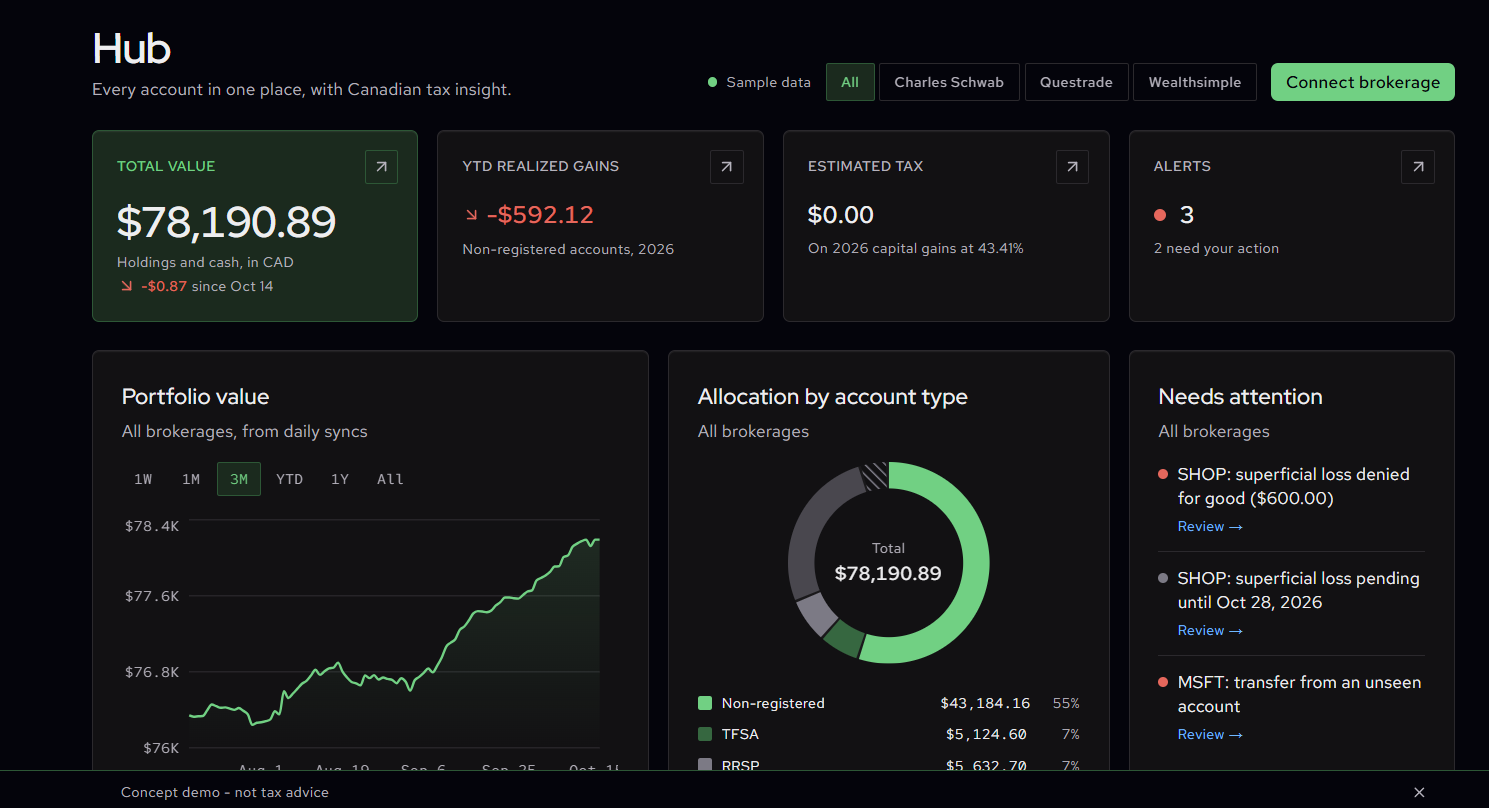
That becomes more complicated when someone holds the same investment at multiple brokerages. SnapTaxBack brings those transactions into one normalized ledger before running its Canadian tax calculations.
“The increasing variety of assets and types of accounts that hold them complicates the tax calculation process for individual investors and can act as a barrier to entry for those not seeking to complicate their year-end return. SnapTrade’s API made it easy to create a prototype for a comprehensive app that could quickly calculate amounts owed across multiple asset classes and tax advantaged accounts. We look forward to seeing how tools like SnapTrade can make investing more accessible and make tax calculation a more seamless and automated process.”
From brokerage activity to a tax ledger
SnapTrade supplies accounts, balances, positions and transaction activity. SnapTaxBack’s import client retrieves activity in pages of 1,000 and stops with an error if its safety limit would leave the history incomplete.
The team separates that import process from the calculation engine. Security identifiers, quantities, fees, currencies and dates become consistent ledger entries. The engine then calculates with decimal arithmetic, independently of a live brokerage connection.
This separation makes the core logic easier to test. It also gives the app a way to compare its ledger with reported positions and flag missing history.
“To build a useful tool, start with a real problem, then find the solution, then pick the tools - and SnapTrade made it easy to integrate every brokerage through one read-only sign-in.”
A worked example: purchases across two accounts
We tested the pooled ACB engine with synthetic transactions in two non-registered accounts at different brokerages:
- Buy 10 units at US$20, plus US$3 in fees. At an illustrative exchange rate of C$1.20 per US$1, the cost is C$243.60 (the app uses Bank of Canada daily rates for real conversions).
- Buy another 5 units at C$30, plus C$2 in fees. The combined cost is now C$395.60 for 15 units.
- Sell 6 units at C$40, less C$1 in fees. Net proceeds are C$239, allocated cost is C$158.24 and the calculated gain is C$80.76.
The remaining nine units carry C$237.36 of cost. This example shows why fees, currency and purchases across accounts need to reach the same ledger before calculating a gain.
Making a superficial loss calculation explainable
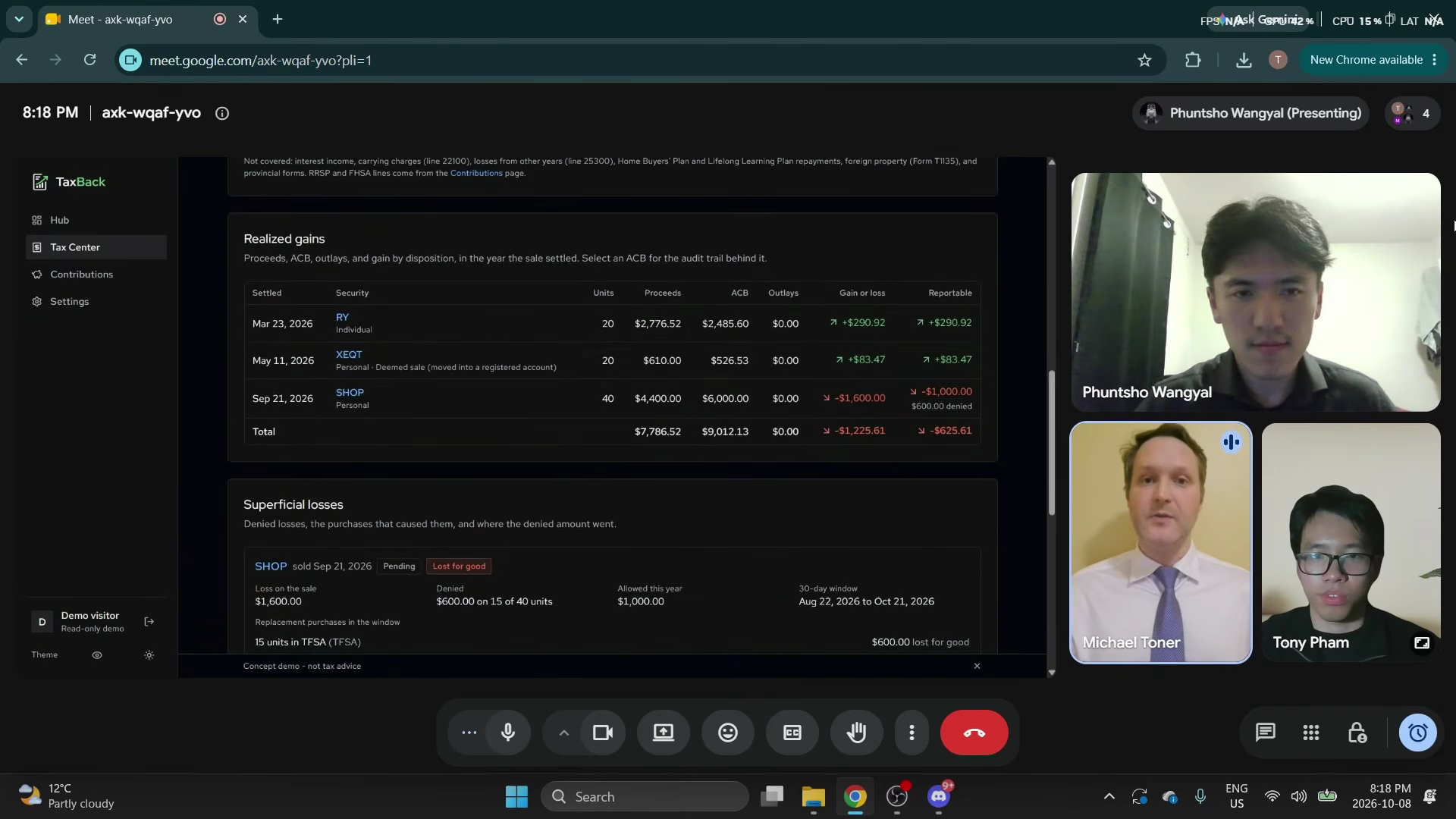
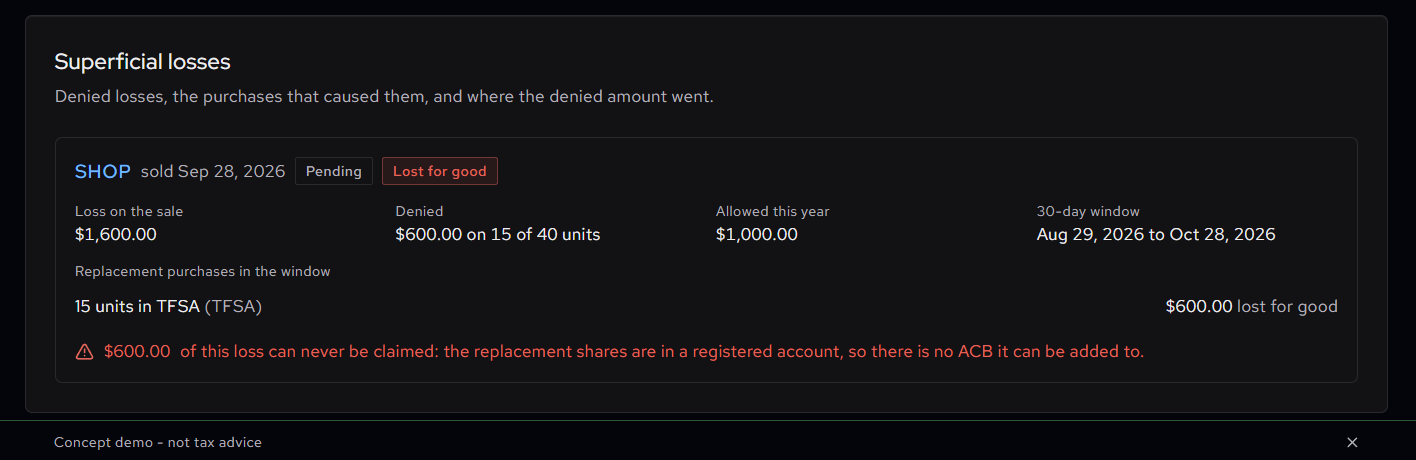
In the student demonstration, a sample sale of 40 SHOP shares produces a $1,600 loss. A replacement purchase of 15 shares in a TFSA leads the app to show $600 as denied and $1,000 as allowed under its modeled rules.
The screen connects the result to the sale and replacement purchase. That traceability is useful: a user can inspect the inputs behind a calculation instead of receiving a single unexplained number.
“I enjoyed taking something as complex as brokerage and tax data and figuring out how to turn it into something simple and useful for the end user. SnapTrade helped us build the foundation, so we could spend more time solving the actual problem.”
What developers can learn from SnapTaxBack
The engineering stood out because the team treated importing, authentication, reconciliation and tax logic as connected parts of the same problem. Its automated sign-in and sync tests passed our independent run, alongside the synthetic calculation checks.
The team also supplied evidence of a developer-run SnapTrade Test OAuth and Sandbox sync. Our own checks verified the calculation and app flow using synthetic data; they did not independently exercise a real brokerage connection.
For developers building a financial-data application, the useful pattern is clear: normalize the data, keep the calculation engine testable and show where the available history leaves a gap.
The SnapTaxBack source code documents how the team approached that pattern. Developers planning their own integration can use the current SnapTrade OAuth documentation to set up account access.
Start building for free with SnapTrade
Have an idea for an app powered by brokerage data? Develop and test your integration for free on SnapTrade’s Build plan, with up to five brokerage connections.