How to connect Fidelity account holdings to your app
Published October 27, 2026 · SnapTrade
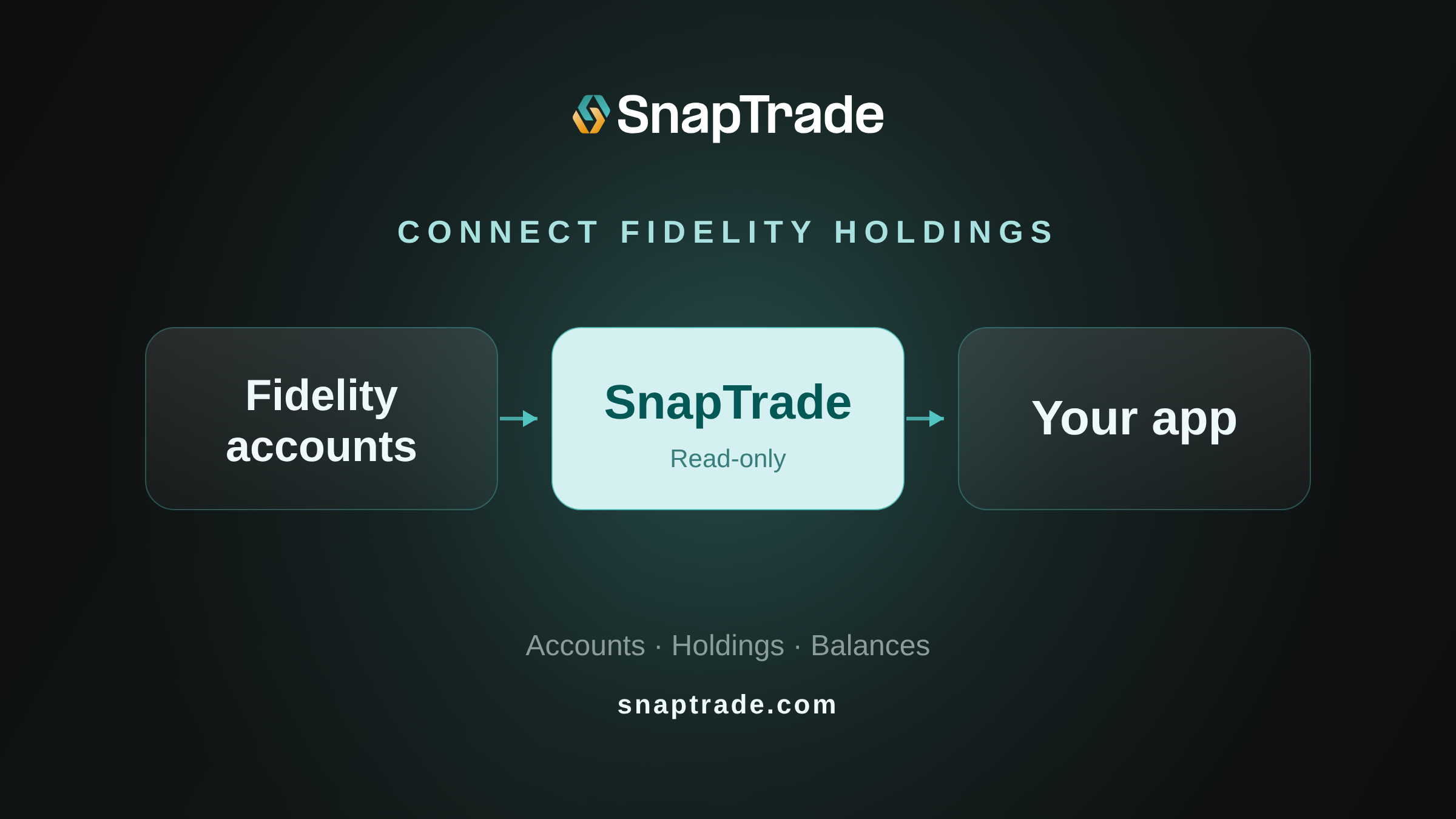
Want to show Fidelity holdings in your portfolio tracker or investment dashboard? SnapTrade lets users authorize access to their Fidelity accounts so your app can retrieve holdings, balances, and account information without handling their brokerage passwords.
Fidelity connections through SnapTrade are read-only, and holdings may be up to 24 hours old. Here’s what you can build with the data and how to connect it.
What can I build with Fidelity data?
A portfolio tracker can display the securities a user holds and their quantities. An investment dashboard can show reported account values and cash balances alongside those holdings.
Prices and cost basis may be unavailable for some positions. Show missing values separately from zero, and don’t treat a cash balance as buying power. The data table below explains Fidelity’s coverage.
Does Fidelity have an API?
Yes. Fidelity uses APIs for customer-authorized account sharing. Fidelity Access lets users select the accounts they want to share without giving your app their Fidelity username or password. They can revoke access from Fidelity’s data-sharing dashboard.
Which SnapTrade connection flow should I use?
Use SnapTrade OAuth when users manage their Fidelity connections in SnapTrade and authorize your app to access them. Your app receives OAuth tokens, so you don’t need to create and manage a separate SnapTrade user for each person. See Build an OAuth App.
Use a Commercial API key when your app manages users and their connections. The walkthrough below covers that flow.
In either case, Fidelity’s authorization lets the user choose which brokerage accounts to share with SnapTrade; SnapTrade OAuth is the separate permission to share connected data with your app.
How do I connect a user’s Fidelity accounts with a Commercial API key?
Before creating your Commercial API key, verify your email and enable two-factor authentication in the SnapTrade Dashboard. Keep your clientId and consumerKey securely on your backend.
SnapTrade submits Fidelity’s production approval request after you complete the Production Access Application; its listed turnaround of about two business days is an estimate.
1. Register the user
Call registerSnapTradeUser with a stable ID from your app, such as an internal user ID. Store the returned
userSecretsecurely against that user. Reuse those credentials for later requests rather than registering the user every time they connect an account.2. Open the Connection Portal
Call loginSnapTradeUser with the stored
userIdanduserSecret,broker: "FIDELITY", andconnectionType: "read". Send the returnedredirectURIto the browser and open it immediately: the URL expires after five minutes.FIDELITYis the slug in SnapTrade’s institution-support record.The user completes authorization on Fidelity’s site and chooses which accounts to share. Returning from that flow means authorization has finished; your app still needs to check that account data has synced.
3. List accounts, then retrieve holdings
Call listAllUserAccounts to list the user’s connected accounts, then let them choose a Fidelity investment account. Before retrieving its positions and balances, your backend should confirm that the account belongs to this user and the intended Fidelity connection. Use the selected account’s
idasaccountIdfor the data requests.Retrieve positions for the selected account with the positions endpoint, then use the balances endpoint for its cash balances. Positions include the security, quantity, price, and cost basis where available. The API reference includes SDK examples and response schemas.
A cash-equivalent position may already be included in the cash balance. Account for that overlap when showing a portfolio total, and display unavailable values separately from zero.
How do I handle sync and connection failures?
After authorization, your app may need to wait for the first positions and balances sync. Use the account’s sync status to show a syncing state, with a way to retry if the data isn’t ready. The API reference explains the status fields and how to interpret them.
The data_freshness.as_of timestamp shows when SnapTrade retrieved the positions from Fidelity. The underlying holdings data may still be up to 24 hours old.
Check connection health before presenting data as current. A disabled connection can still return cached holdings. Use the disabled flag or connection webhooks to prompt the user to reconnect, then generate a portal URL with reconnect set to the existing connection ID. That repairs the connection instead of creating a duplicate.
What Fidelity data can I retrieve?
Retrieve account details, positions, and balances separately. The table distinguishes SnapTrade API fields from Fidelity’s documented coverage.
| Data | SnapTrade API data | Fidelity coverage and handling |
|---|---|---|
| Accounts | id, connection_id, kind, display_name, masked_account_number, net_value | Use investment accounts for positions; deposit and credit accounts have different schemas. |
| Positions | Instrument, units, price, cost_basis, currency | Stocks, ADRs, ETFs, mutual funds, fixed income, and options are listed. Fields can be unavailable. |
| Balances | Cash by currency; buying_power where available | Fidelity lists total cash and total account value. Don’t assume Fidelity buying power is available. |
| Freshness | Sync timestamps and positions data_freshness.as_of | Daily data; holdings may be up to 24 hours old even after a sync. |
If a user opens another Fidelity account after connecting, they need to reconnect and select that account before your app can retrieve it.
FAQ
Can I retrieve Fidelity holdings directly through a public developer API?
Fidelity documents API-based account sharing, but the Fidelity Access page doesn’t provide a self-service developer integration guide. This article uses SnapTrade’s documented Commercial API key path.
Can I access Fidelity NetBenefits accounts?
SnapTrade lists NetBenefits support, with a condition: the user must also have a Fidelity retail account. Check that requirement before building onboarding for workplace-only users.
Can I get real-time Fidelity holdings or place trades?
SnapTrade’s Fidelity integration provides read-only access, with holdings data that may be up to 24 hours old even after syncing. Real-time Fidelity holdings and trade execution aren’t available through this connection.
Try the free Build plan to connect a Fidelity account and build your first holdings view. The Commercial API key quickstart covers the setup.
The interactive Getting Started demo shows the general Commercial connection and account-data flow (not a Fidelity-specific demonstration).