MCP vs brokerage API: what should an AI investing app use?
· SnapTrade
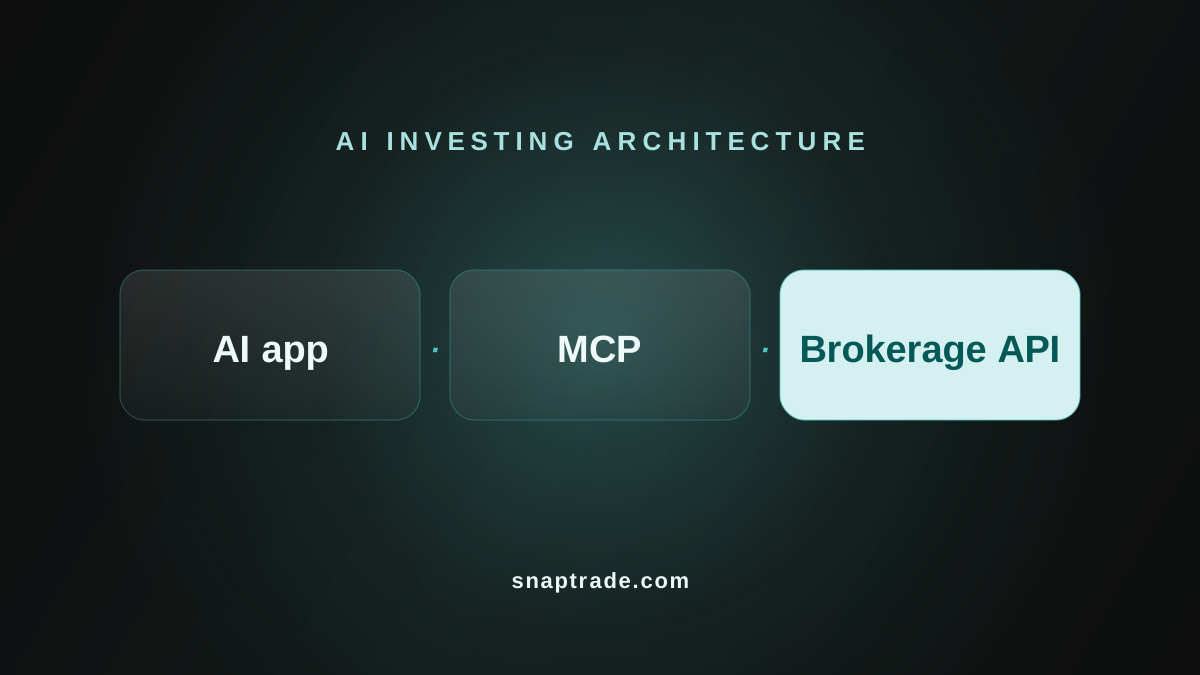
Building an AI investing app? You don't necessarily need MCP.
If you're adding an AI feature to your own fintech app, you can use a brokerage API to retrieve authorized account data through your backend and pass the relevant information to your assistant.
MCP is useful when you want AI applications to discover and call tools through a standard interface. It doesn't replace the brokerage API or the permissions needed to access financial accounts.
You can use both, but MCP isn't required just to build an AI-powered portfolio feature.
Example: “Explain my portfolio”
This is an illustrative application architecture you could build, not a ready-made SnapTrade feature.
- A user asks your assistant to explain the holdings in their connected investment accounts.
- Your application identifies the signed-in user and retrieves the accounts, positions, and balances they’re authorized to access.
- Your backend calculates the relevant figures and includes currencies, fetch times, missing values, and any accounts that failed to load.
- The assistant uses that prepared information to respond, making delays and incomplete results clear.
You can invoke that backend operation directly from your app’s model tools or expose it through your own MCP server. The account checks and calculations stay in your backend.
What does each layer do?
A brokerage API retrieves account data and may support trading. A unified provider such as SnapTrade gives you a common schema across supported brokerages. MCP defines how an AI application discovers and calls tools; each server’s implementation determines which financial capabilities those tools expose.
| Question | MCP | Brokerage API |
|---|---|---|
| What does it connect? | An AI application to a server’s tools and context | Your backend to brokerage data and supported actions |
| Where do holdings come from? | The data source behind the MCP server | The brokerage or aggregation provider |
| Who controls account access? | The server and authorization system you use or build | The provider’s access model, plus your app’s permissions |
| Can it trade? | Only if that server exposes authorized trading tools | Only where the provider and specific connection support it |
What are my architecture options?
Option 1: Call your backend functions directly
Use this when the AI feature lives in your app and you control its backend. The model requests a function such as getPortfolioSummary; your backend checks the user’s access, calls SnapTrade, and returns the permitted data. MCP is optional.
Your AI app → your backend function → SnapTrade API → brokerages
Option 2: Make your app an MCP host
Use this when your AI app needs tools from existing MCP servers. Your app acts as the host, with an MCP client for each server. Check each server’s capabilities and authorization model.
Your AI app (MCP host) → MCP client → MCP server → financial data service
Option 3: Expose your product through an MCP server
Use this when other MCP hosts should call your product’s functions. Your server exposes selected backend operations and enforces user identity and account permissions. This is your own implementation, separate from SnapTrade’s hosted Personal MCP server.
Another MCP host → your MCP server → your backend → SnapTrade API
Your product can both consume existing MCP servers and expose its own tools.
Who handles permissions and trading controls?
Your backend must enforce which user, accounts, and actions each tool can access. MCP authorization doesn’t automatically implement your financial permissions or an approval screen.
Treat trading as a separate operation. Trading through SnapTrade requires appropriate user consent and order validation. For user-confirmed trades, show the user the order details and available impact information, obtain confirmation, and validate the approved request on your backend before submission. Automated trading has separate consent and compliance requirements. See SnapTrade’s order confirmation guidance. The brokerage connection and API permissions must support the trade.
Which SnapTrade integration should I use?
| Your use case | Starting point | What you build or configure |
|---|---|---|
| A Personal user querying connected accounts in an assistant | SnapTrade’s hosted MCP server | Connect with OAuth; use its curated read-only tools |
| A product managing brokerage connections for its own end users | Commercial API key | Register each app user; store userId/userSecret on your backend; use the Connection Portal |
| An app receiving access to users’ existing SnapTrade accounts | SnapTrade OAuth | Implement OAuth consent and token handling; don’t mix in API-key user registration |
| A commercial product exposing financial tools to MCP hosts | Your own MCP server backed by the chosen API integration | Implement the server, identity mapping and permitted operations |
SnapTrade’s hosted MCP server is specifically for Personal users and authenticates through OAuth. It exposes a curated API subset, can generate a brokerage connection link, and cannot trade, move money, or change account settings. These restrictions describe that server, not MCP as a protocol.
For a commercial app backend, use a Commercial API key to manage per-user connections, or SnapTrade OAuth for access to accounts users manage in SnapTrade. The hosted Personal MCP server isn’t a substitute for choosing that API access model.
FAQ
Can my own app use MCP servers?
Yes. Your app can act as the MCP host and use clients to connect to servers.
Does adding an MCP server make a brokerage connection trade-enabled?
No. The server needs an implemented trading tool, and the underlying brokerage connection must permit the action. A read-only data connection doesn’t acquire trading rights from MCP.
To explore your own connected accounts in an assistant, follow the SnapTrade hosted MCP guide. To build a product for your users, choose the Commercial API key or OAuth path in Getting Started, then build one holdings-summary operation before deciding whether to expose it through MCP.