Set up your SnapTrade Personal account
Create your free account and connect your brokerage.
New to SnapTrade? Follow the steps to create your account from scratch. Already created an account but haven't connected your brokerage yet? Skip to connecting your brokerage.
- Setup takes only 5 minutes
- Free for personal use
Create your SnapTrade account
Set up a free SnapTrade Personal account and connect your brokerage. It only takes a few minutes.
- 1
Go to the SnapTrade dashboard
Open dashboard.snaptrade.com in your browser.
- 2
Choose "Personal" and click "Continue"
- 3
Fill out the form and click "Sign up"
- 4
Verify your email
Check your inbox for a verification email and confirm your address.
- 5
Click "Get started"
- 6
Click "Connect a brokerage"
- 7
Click "Continue"
- 8
Choose your brokerage
- 9
Sign in to your brokerage
Follow the steps to log in with your brokerage directly.
- 10
Click "Continue"
- 11
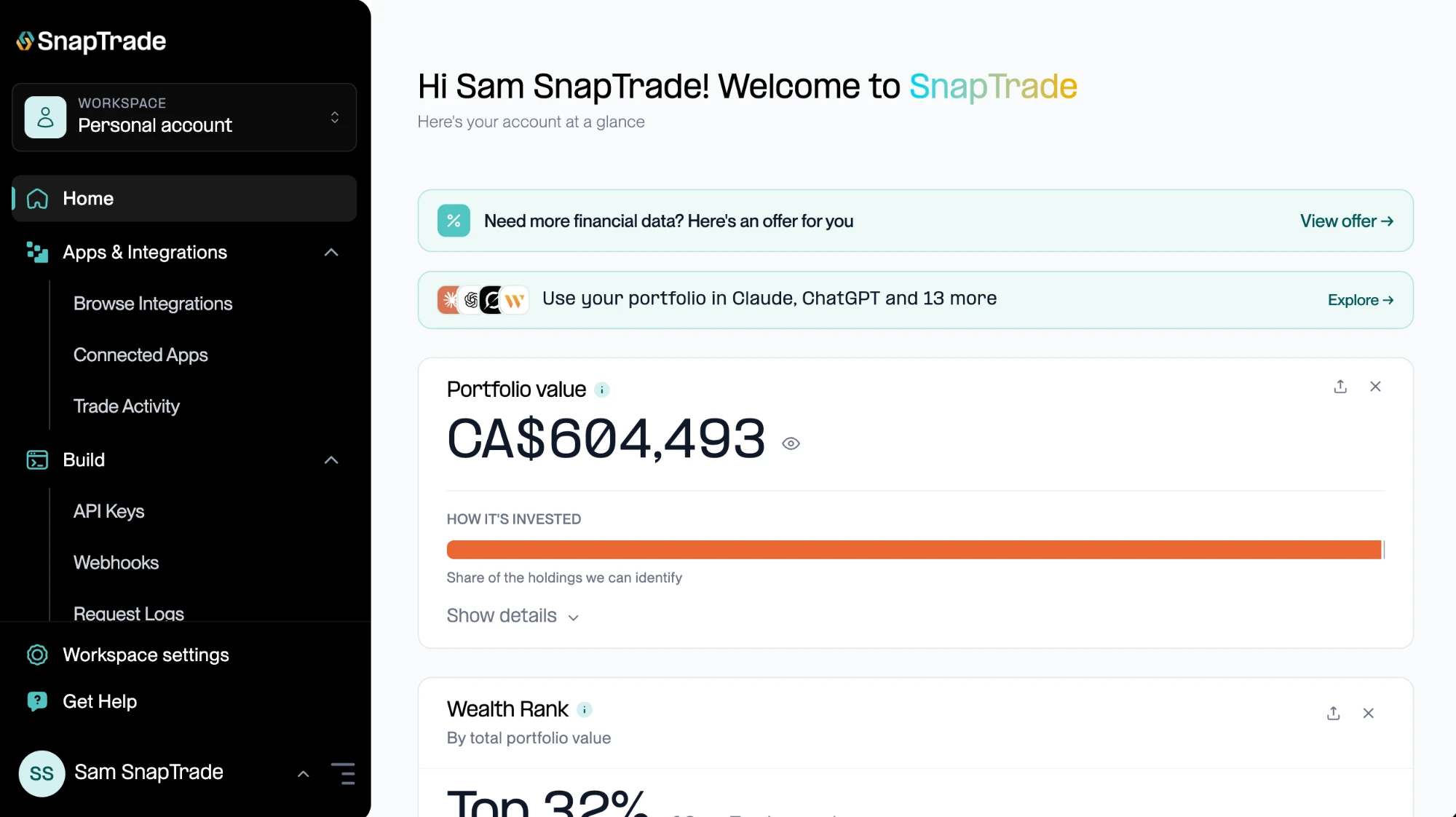
Your SnapTrade account is ready
Your dashboard shows your connected accounts.
Connect your brokerage
Created your SnapTrade account but didn't connect a brokerage during sign-up? Log in at dashboard.snaptrade.com and pick up where you left off.
- 1
Log in and click "Connect a brokerage"
Log in to your account at dashboard.snaptrade.com, then click "Connect a brokerage" on your dashboard.
- 2
Choose your access and click "Continue"
Pick "Read-only" to see your accounts, holdings, balances, transactions, and orders, or "Read & trade" to also place, modify, and cancel orders. You can connect more accounts later with different access.
- 3
Click "Continue"
- 4
Choose your brokerage
- 5
Sign in to your brokerage
Follow the steps to log in with your brokerage directly.
- 6
Your brokerage is connected
Your dashboard now shows your connected accounts.
That's it — you're connected
Your connected accounts now show up on your SnapTrade dashboard. You can add or remove connections from the dashboard any time.
Need a hand? Email support@snaptrade.com.
Now that you're connected
See everything SnapTrade Personal can help you do with your brokerage data.
Good to know

Ready in about 5 minutes
Create your free account and connect your brokerage to see your whole portfolio in one place.